Written walkthrough
You can withdraw collateral from Alchemix at any time.
- Vault deposits with a loan – withdrawing reduces your collateral and raises your LTV. Check your position before pulling funds out.
- Mixed Yield deposits without a loan – there is no LTV to manage. Withdraw any amount up to your full balance.
Prerequisites
- Connect your wallet and switch to the chain that holds the position.
- Confirm you have ETH for gas on that chain.
Step 1 – Open the vault
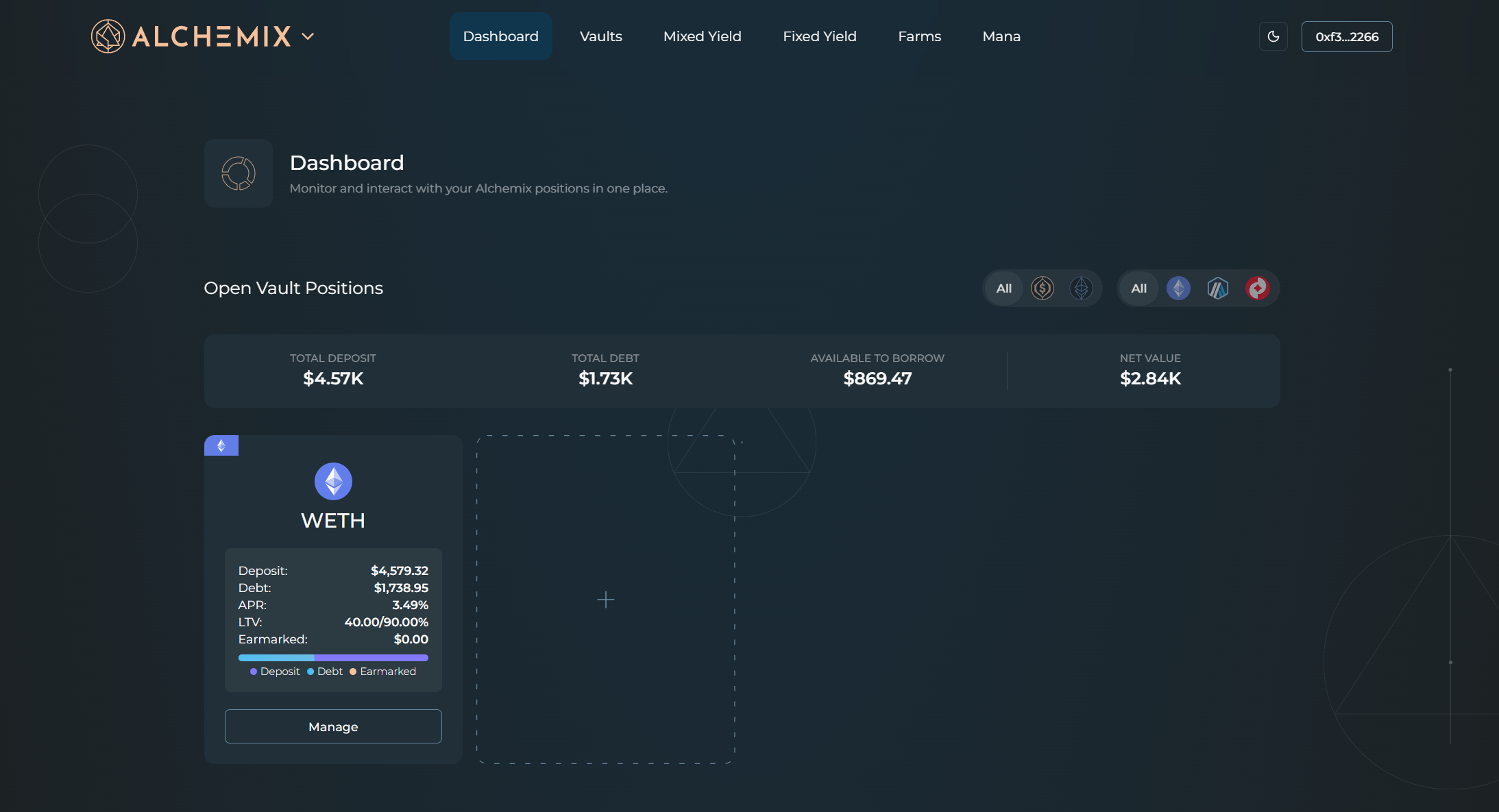
Click Dashboard in the top navigation, then click the vault you want to withdraw from.
Step 2 – Open the Withdraw tab
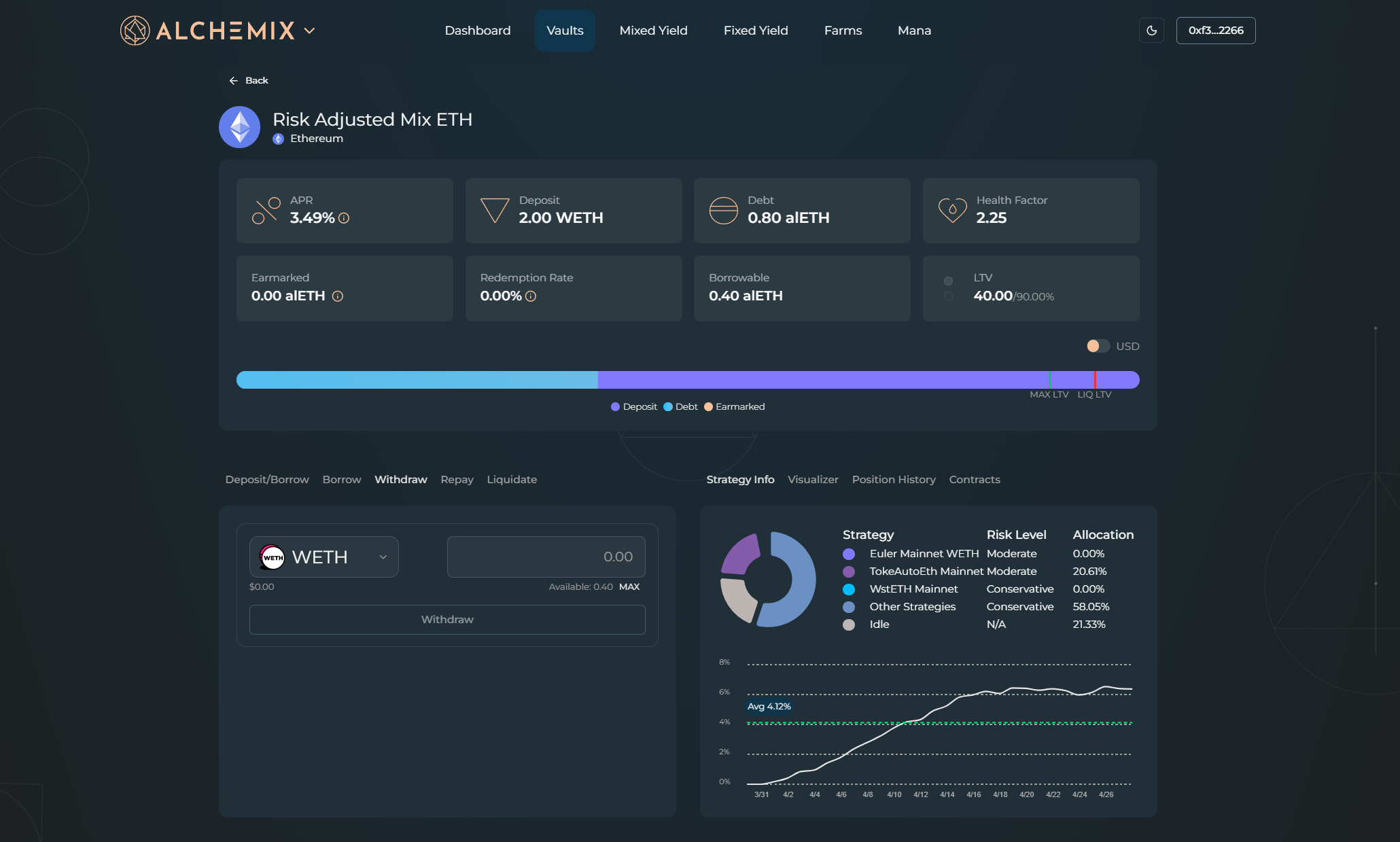
On the left panel, switch to the Withdraw tab.
Step 3 – Check your LTV
The health bar shows your current position relative to the 90% MAX LTV cap. Withdrawing does not touch your debt, but it shrinks your collateral pushing your LTV upward. If the amount you plan to withdraw will cross the MAX LTV line, repay a little first to give yourself headroom.
Step 4 – Enter an amount
Type the amount you want to withdraw into the input field. The vault returns your underlying asset, including any yield the MYT has accrued.
Step 5 – Confirm
Click Withdraw. Your wallet shows the network, gas estimate, and amounts. Approve the transaction.